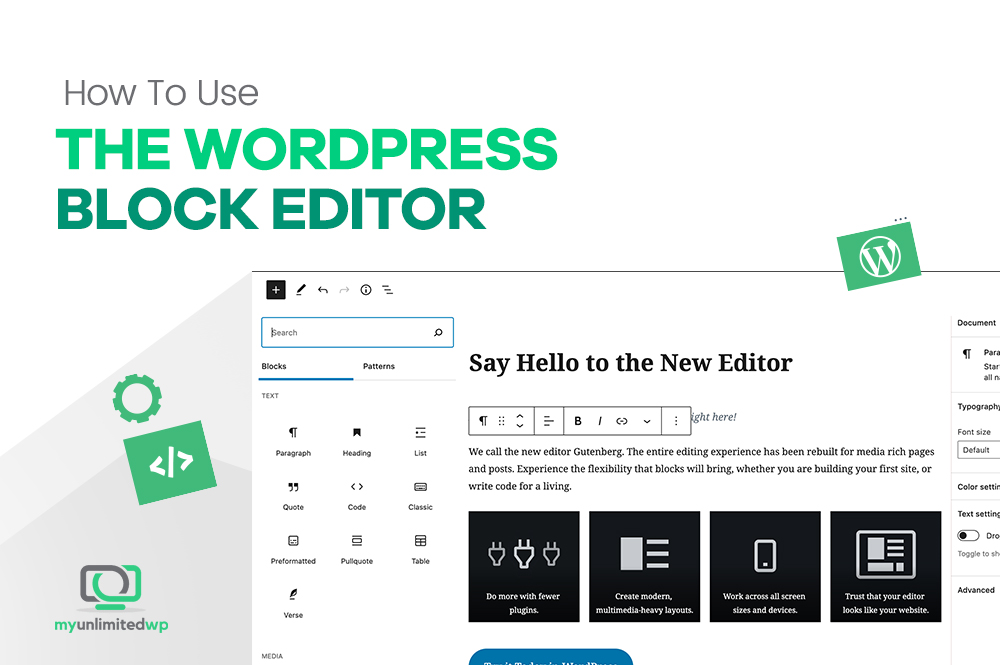
Overview: The WordPress block editor is a useful feature, allowing you to compose and format content for rich and flexible layouts on your WordPress websites. Various block types are available in WordPress, and once you learn how to use them effectively, you’ll greatly improve the impact of your site! These are our pointers on how …
Category Archives: Wordpress Help
WordPress Backups — Do You Need Them & How Do You Back Up Your Website?
Overview: WordPress website backups provide an opportunity to safeguard all the hard work and time you’ve invested in crafting your website. Nobody wants to watch helplessly as their entire website goes down the drain! So why not find out ways to secure our website today? Backing up your website is something you shouldn’t overlook. …
Continue reading “WordPress Backups — Do You Need Them & How Do You Back Up Your Website?”
Is WordPress Outdated? Facts You Should Know
Overview: Are you having second thoughts about using WordPress as a content management system? Are you wondering if, after 20 years, WordPress is outdated? Read on for some insights that will help you decide if WordPress is still a relevant and useful platform for your business. WordPress is undoubtedly the dominant force in the CMS …
Continue reading “Is WordPress Outdated? Facts You Should Know”
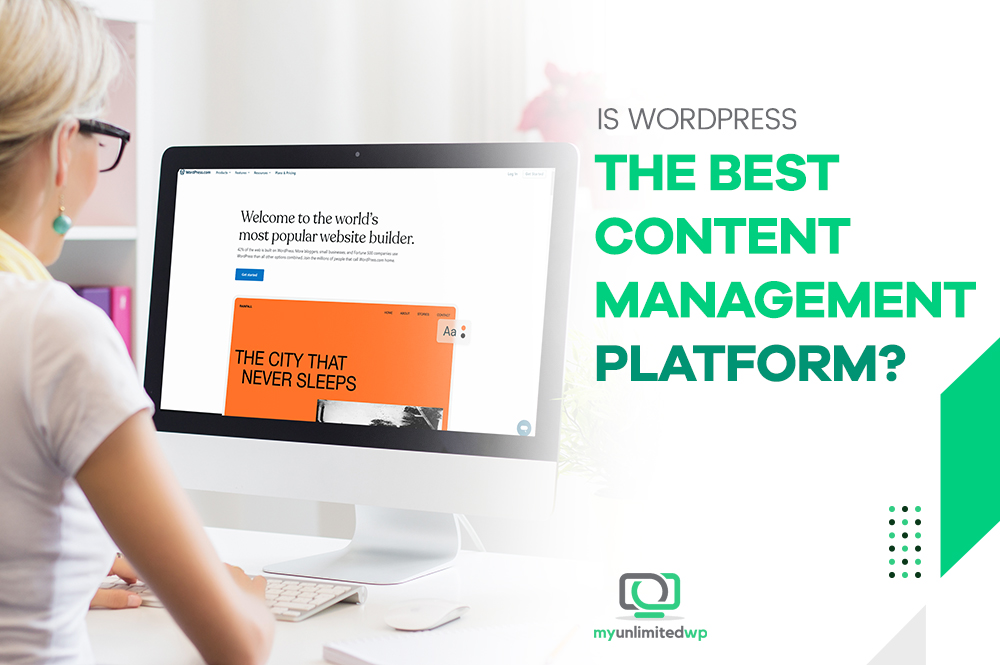
Is WordPress the Best Content Management Platform?
Overview: You’ve heard a lot about WordPress, but does it live up to the hype? There are many other Content Management Systems, aka CMS, available. So what makes WordPress out amongst its peers? Read on to find out! Close your eyes and imagine for a second — you have a great business idea, and you …
Continue reading “Is WordPress the Best Content Management Platform?”
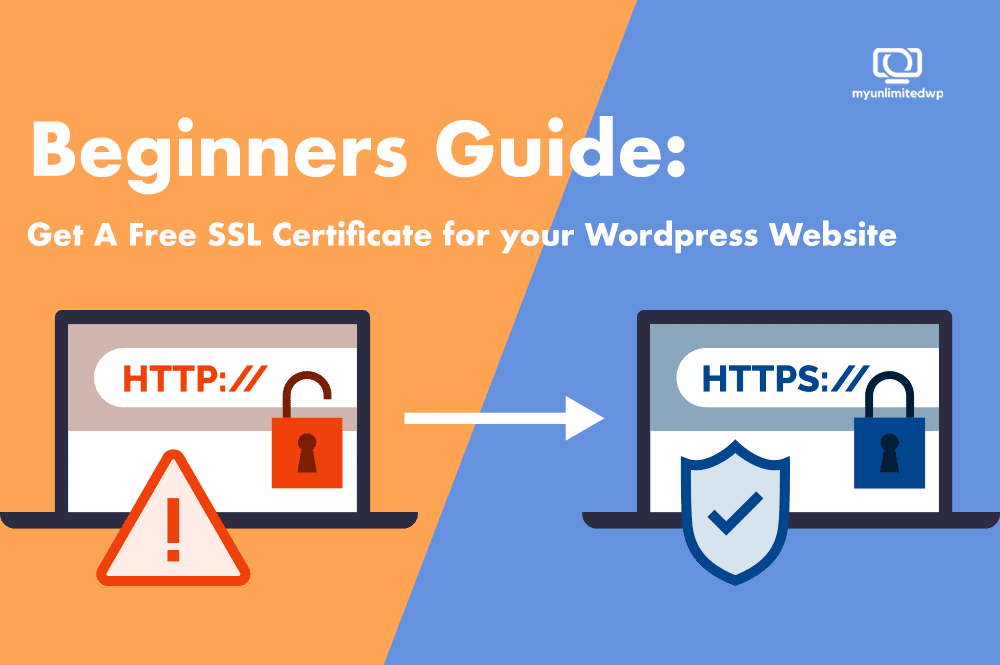
Beginner’s Guide: Get a Free SSL Certificate for Your WordPress Website
Ever since Google declared SSL as a ranking factor, the demand and supply of SSL certificates have shot up! The internet is a vast network with a number of interwoven bits, and web servers power different websites, making them accessible through browsers. Unfortunately, websites are prone to phishing attacks, so web admins and bloggers wonder …
Continue reading “Beginner’s Guide: Get a Free SSL Certificate for Your WordPress Website”
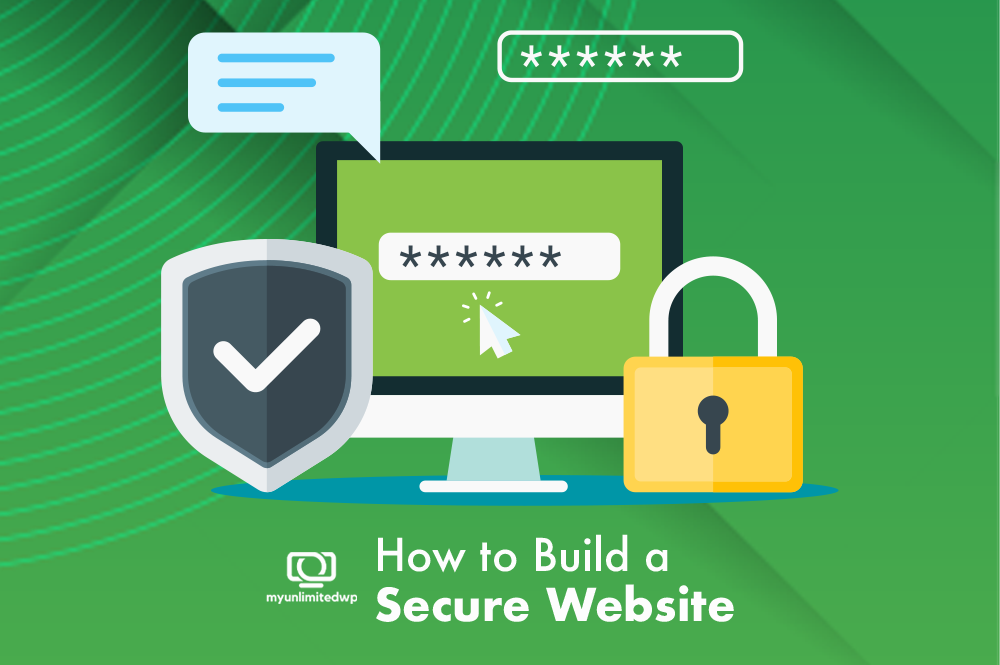
Protect Your Website Against Scams – How to Build a Secure Site
Every 39 seconds in the US, we learn that a hacker attack occurs – affecting one in three Americans. It could be a simple email from a friendly username to a call from the IRS to a website devised to conceal all personal credentials. We know that phishing attacks can happen anytime, anywhere, and to anyone.
Good Call to Action Examples to Make People Actually Act
A call to action is an invitation to the visitor in the form of a text, a button, or a powerful headline to persuade them to act.
How to Use Elementor with WordPress (A Complete Guide)
Overview: Using Elementor is one of the easiest tools for WordPress page builder — and this is how to use it
How to Get Your WordPress Site Up if it’s Down
Overview: Learn what to do if your WordPress site goes down
3 Easy Ways to Edit a Footer in WordPress Like a Pro
Overview: Edit your website’s footer area to help visitors, improve SEO, and your business All top WordPress themes come with a footer widget area that’s easy to edit. However, editing the footer can be tricky because some themes do things differently than other themes. That is, how you edit a footer in one theme might …
Continue reading “3 Easy Ways to Edit a Footer in WordPress Like a Pro”