
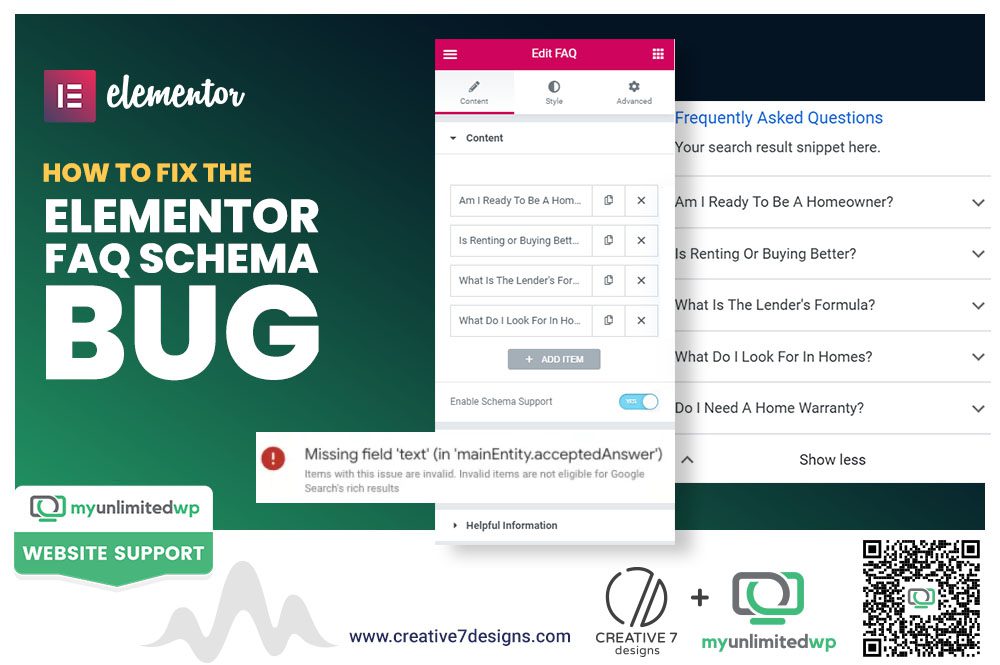
Overview: A recent Elementor update is breaking FAQ schema markup for a lot of sites; here’s why it happens and exactly how to fix it!
You update Elementor, everything looks fine on the front end, and then a week later your FAQ rich snippets vanish from Google. No error message, no obvious cause, and just a slow drop in the search real estate you’d worked hard to earn. If that sounds familiar, you’re not imagining things.
A known bug in Elementor’s FAQ widget has been breaking schema markup for a growing number of sites, and it’s easy to miss unless you’re actively checking.
Let’s dive right in!
What Is the Elementor FAQ Schema Bug?
The bug occurs when Elementor’s FAQ widget stops generating valid Schema.org markup after certain plugin updates, even though the FAQ content still displays correctly on the page. Google can no longer read the structured data, so FAQ rich snippets disappear from search results.
Why Does This Happen?
It typically comes down to a conflict between Elementor Pro’s widget updates and how the schema output is generated — sometimes the JSON-LD script is dropped entirely, and other times it renders with broken or duplicate structured data.
How Do You Know If You’re Affected?
Run your FAQ page through Google’s Rich Results Test. If your FAQ schema doesn’t show up as valid, or doesn’t show up at all, you’re dealing with this bug.
How Do You Fix the Elementor FAQ Schema Bug?
-
Check your Elementor and Elementor Pro versions — confirm you’re not on a known problematic release.
-
Inspect your page’s source code for the FAQ JSON-LD script and verify it’s present and error-free.
-
Clear all caching layers — plugin caches, CDN caches, and browser cache can all mask whether the fix has applied.
-
Re-save the FAQ widget on the affected page to force Elementor to regenerate the schema output.
-
Use a dedicated schema plugin as a fallback if Elementor’s native output stays unreliable.
What If Re-saving the Widget Doesn’t Fix It?
Roll back to the last stable Elementor Pro version where schema output was confirmed working, then hold off on updating again until the bug is officially patched.
Should You Switch to a Different Schema Method Entirely?
For sites that rely heavily on FAQ rich snippets for traffic, using a standalone schema plugin instead of Elementor’s built-in generator adds a layer of reliability that doesn’t break with every Elementor update.
Why Does Fixing This Matter for SEO?
FAQ rich snippets take up significant real estate in search results and often boost click-through rates without requiring a higher ranking position. Losing them silently costs visibility that’s hard to notice until traffic starts slipping.
Also Read >> How Structured Data Impacts Your Google Search Visibility
Frequently Asked Questions
Does this bug affect all Elementor users?
No, it primarily affects sites using Elementor Pro’s native FAQ widget after specific plugin updates.
Will re-saving the FAQ widget always fix the schema?
Not always. If the bug is version-specific, rolling back or switching to a dedicated schema plugin may be necessary.
How can I check if my FAQ schema is currently valid?
Run the page through Google’s Rich Results Test to confirm whether the structured data is present and error-free.
The Takeaway
A missing FAQ rich snippet almost always traces back to broken schema, not lost rankings, and it’s usually fixable in minutes once you know where to look. If you’re managing WordPress sites and want this kind of issue caught before it costs you visibility, MyUnlimitedWP handles ongoing site maintenance and troubleshooting so bugs like this get resolved before they impact traffic.