
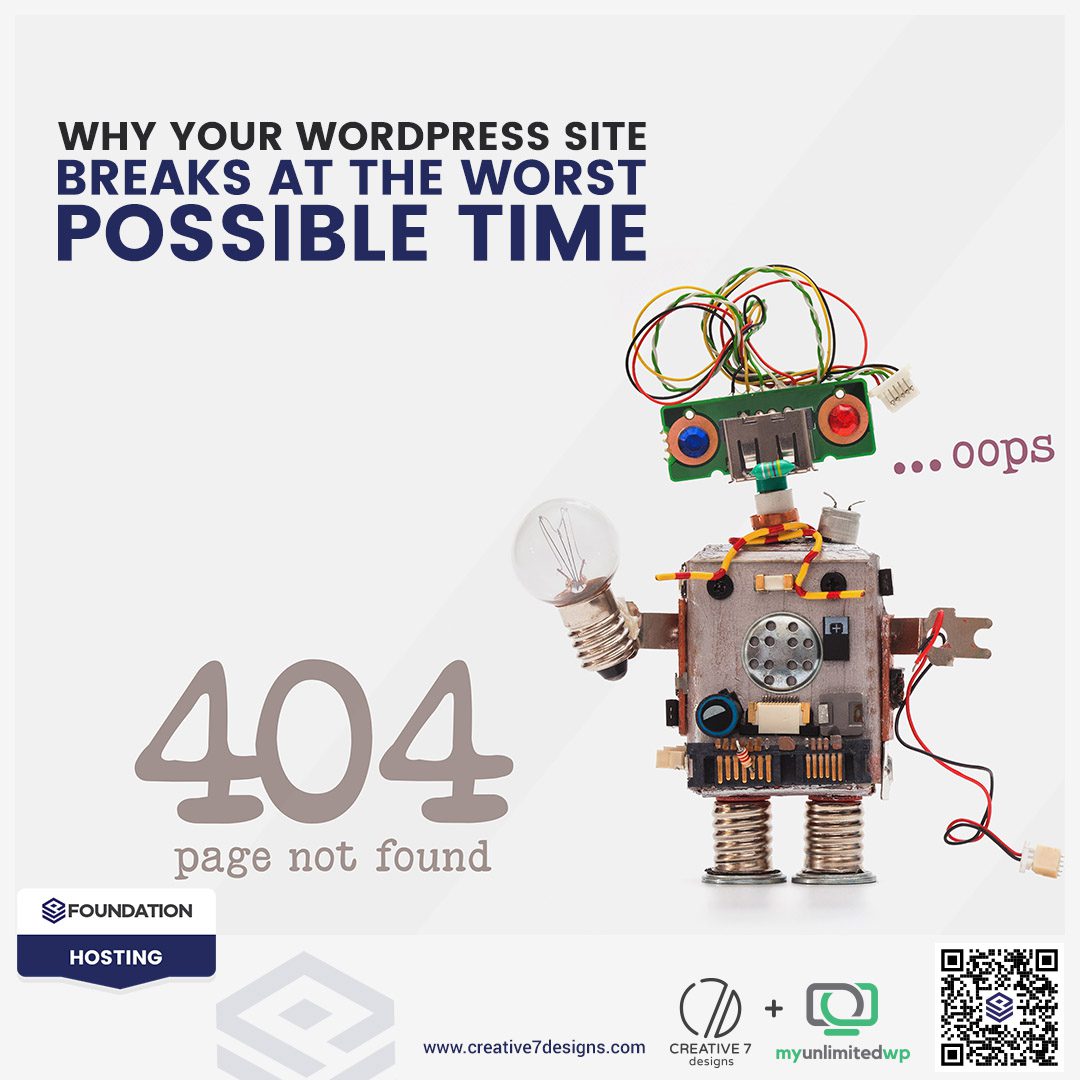
Overview: It always seems to happen when you least expect it — your WordPress site suddenly breaks right when traffic is climbing, a big sale is about to launch, or someone important is trying to check out your services. If you’ve ever found yourself staring at a spinning wheel, an error message, or a half-loaded page at the worst possible moment, you’re not alone.
The good news? There’s always a reason why WordPress acts up — and even better, there are practical steps you can take to stop problems before they derail your day.
Let’s break down what’s really going on behind the scenes and how you can keep your website (and your sanity) intact.
The Hidden Chain Reactions That Cause Sudden Breakdowns
One of the biggest misunderstandings about WordPress is that sites rarely break “out of the blue.” Something triggered a chain reaction; you just didn’t see it happen.
Here are the most common culprits:
Plugin updates that conflict with each other: With so many developers creating plugins with their own coding styles, not every update plays nicely with the rest of your site.
Themes that fall behind on updates: An outdated theme can clash with newer versions of WordPress core or your plugins.
Hosting limitations during high-traffic moments: When more visitors show up, your hosting plan may not have the resources to keep up.
PHP changes made without proper testing: Many site owners don’t even realize their PHP version changed until something stops working.
Individually, these issues might seem small. Together? They can topple your entire site like dominoes.
Also Read >> 5 Causes of Website Downtime & How to Monitor Them
Why Site Issues Always Seem To Happen at the Worst Time
There’s a reason your WordPress site chooses the exact wrong moment to act up. Rest assured, it has nothing to do with luck.
Most sites break at the busiest times because that’s when your website is under the most pressure. More visitors equals more strain. More content updates equals more opportunities for conflicts. Bigger promotions mean more moving parts behind the scenes.
Think of your website like a car. You don’t usually find problems while it’s parked—you find them when you’re driving uphill, merging into traffic, or trying to get somewhere fast.
If you only check in when something breaks, your site is always playing catch-up.
The High Cost of Waiting Until Something Goes Wrong
A small issue that goes unnoticed can become a bigger problem overnight:
-
Slow pages become abandoned carts.
-
Plugin conflicts become full-blown outages.
-
Missed updates become security risks.
-
Broken contact forms become lost leads.
And when your site goes down unexpectedly, the scramble to fix it takes time, money, and focus away from what you do best — running your business.
This is exactly why proactive maintenance isn’t optional anymore. It’s essential.
How Preventative Care Keeps Your WordPress Site Running Smoothly
The best time to fix a problem is before it happens. That’s where professional, ongoing WordPress support makes all the difference.
A proactive maintenance plan ensures:
-
Regular updates with testing, not guesswork
-
Conflict monitoring so issues are spotted early
-
Backups that actually work when you need them
-
Uptime monitoring to catch outages before your customers do
-
Security hardening to protect against new vulnerabilities
-
Unlimited website changes so your site stays fresh and functional
This isn’t about putting out fires — it’s about removing the matches entirely.
Why Done-For-You Support Gives You Peace of Mind
Keeping a WordPress site healthy requires consistency, expertise, and time. Most business owners don’t have hours to spend troubleshooting plugin conflicts or researching error logs — nor should they.
That’s exactly why MyUnlimitedWP exists. We take the stress, the guesswork, and the constant site-watching off your plate so your website stays stable no matter how busy your business gets.
Whether you’re a small business owner, a nonprofit, or an agency juggling client websites, reliable WordPress support keeps your site working even when the pressure’s on.
Frequently Asked Questions (FAQs)
1. Why does my WordPress site suddenly break after updates?
Many WordPress sites break after updates because plugins, themes, or WordPress core versions conflict with each other. Without proper testing, even a small update can trigger errors or downtime.
2. How do I stop my WordPress site from breaking during busy traffic times?
High traffic puts extra load on your hosting and exposes hidden issues. The best way to prevent breakdowns is regular maintenance, optimized hosting, caching, and ongoing performance monitoring.
3. What’s the best way to keep my WordPress website running without interruptions?
Consistent updates, backups, security checks, and proactive site monitoring are essential. Many businesses rely on WordPress support services like MyUnlimitedWP to keep everything stable.
Final Thought
Your website is one of your most important business assets. It deserves consistent care — not emergency attention.
If you’re ready for a worry-free website that stays up, stays fast, and stays functional, explore our support plans at MyUnlimitedWP.com.
We’ll keep your site running smoothly so you can focus on what matters most—growing your business.